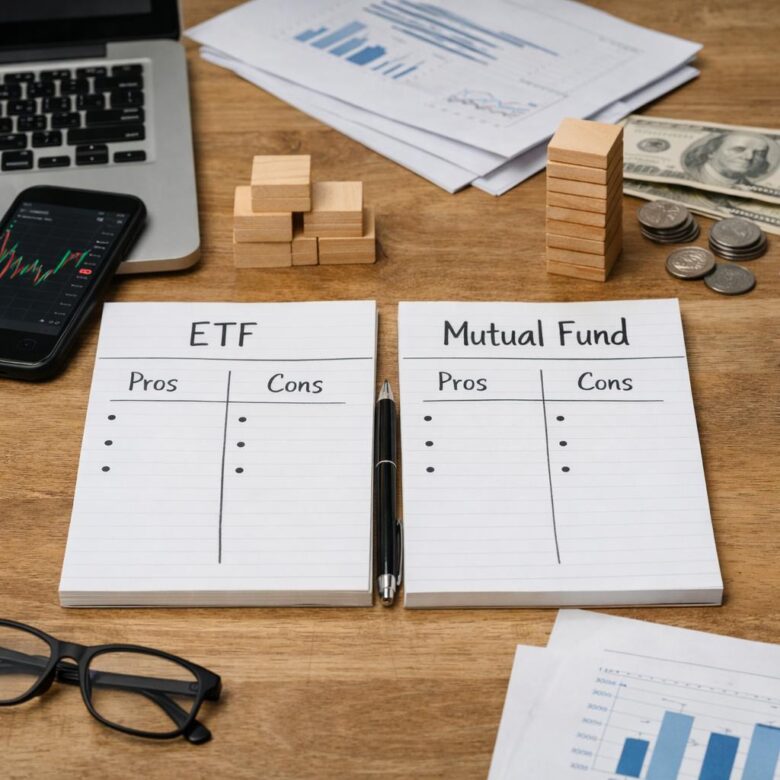
Learn how ETFs and mutual funds differ in pricing, costs and taxes, and what to check before choosing a fund for regular contributions.
Practical Guides to Personal Finance and Investing
Invstoc explains investing fundamentals, portfolio research, saving, risk and everyday money decisions in clear language. Our guides are educational, use primary or authoritative sources where relevant, and are designed to help readers understand the trade-offs behind financial choices.
Start with the topic that matches your goal, verify important details with the linked official sources, and remember that general education is not a substitute for advice tailored to your circumstances.
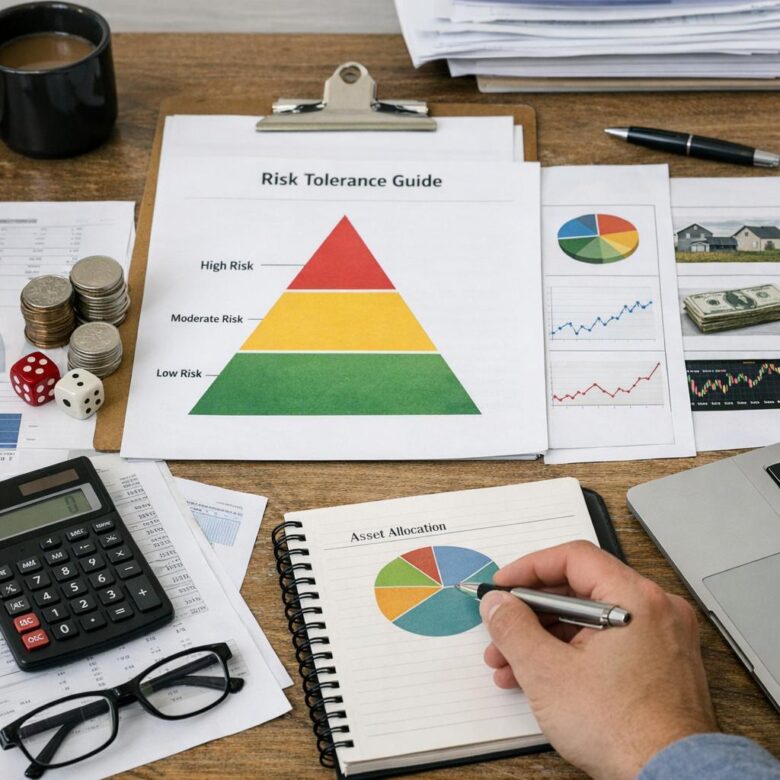
Separate the risk you can emotionally accept from the losses you can afford, then use your goals and timeline to choose and maintain an investment mix.

Organize your income, savings, debt, and investments into a workable financial plan, with clear priorities, a monthly budget example, and a simple review routine.

Learn where to find company disclosures, how to assess profits and cash flow, and how to test a stock’s valuation and risks before deciding.

Find a sustainable amount to invest by budgeting for irregular bills, balancing debt and savings, and automating contributions that fit your cash flow.

Understand how interest earns interest, compare simple and compound growth, and learn how APY, investment risk, fees and debt affect the calculations.

Learn how to compare brokerage fees, investment choices, cash options and account protections, plus what to check about support and transfers before signing up.

Learn where investment fees appear, how to estimate their annual dollar cost, and what to check before changing funds, advisers or brokerage accounts.

Understand how to balance emergency savings, high-interest debt and investing, including when an employer retirement match may justify saving and investing together.

Understand what diversification can and cannot protect against, how to spot overlapping investments, and how to review and rebalance your portfolio.